The work
A verified login was only the beginning.
An order should stay within reach after the customer leaves the ordering screen.
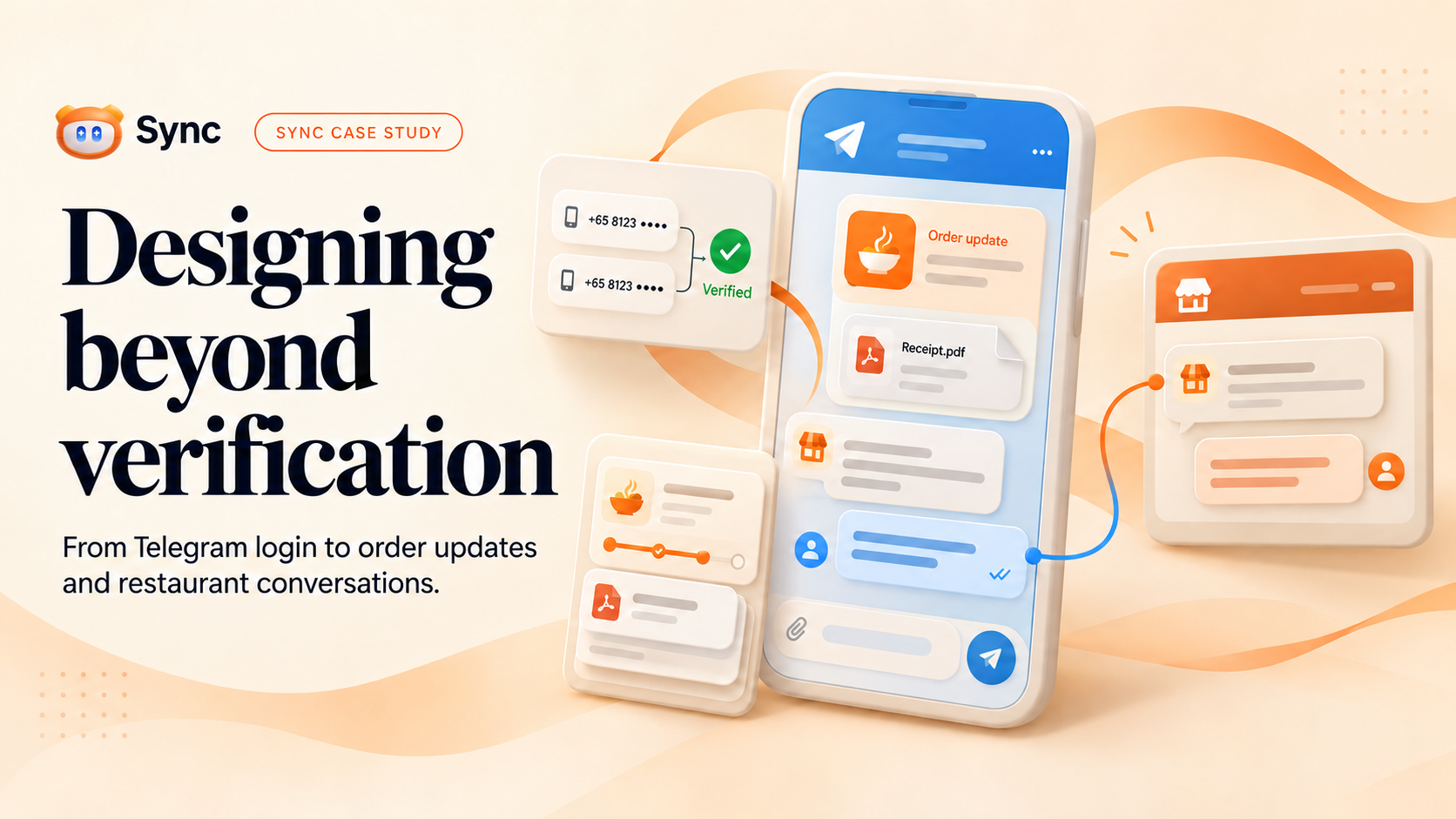
For Sync, that meant solving several connected problems: verifying a customer’s phone number, keeping them informed while the restaurant prepares their order, making receipts easy to find, and giving both sides a clear way to communicate.
We began with Telegram as an alternative verification path, then extended its role across the order journey. Customers can use it to sign in or connect a guest order, then choose to receive updates, retrieve receipts and reply to restaurant messages in the same conversation.
The connection should keep helping after the login is complete.
01 · The constraint
Customers were waiting for a message that could not arrive.
The first flow worked technically, but its sequence was difficult to understand.
In our target market in Syria, SMS verification was not a workable foundation for the experience we wanted. We first kept the familiar OTP model and changed the delivery channel: send the code through a Telegram bot.
The biggest obstacle was the order of operations. The bot could not initiate a conversation with someone who had not started it. Customers requested a code and waited, expecting the next step to happen automatically. Many testers had not understood that they first needed to open and start the bot.
The first attempt
Request a code
Enter a phone number in Sync.
Wait for a message
The customer expects the OTP to arrive.
Bot not started
No conversation means no code can arrive.
The new login path
Enter the number
Choose Telegram login in Sync.
Approve in Telegram
Review the login sheet and approve.
Continue in Sync
Open the account or complete the profile.
We redesigned the login sequence so the customer could understand each step. They approve access in Telegram and return to Sync without copying a code from the bot conversation.
02 · Verified access
Match the number. Keep the choice.
Account access and order notifications solve different problems.
The customer enters their phone number. If they already have an account, they can use their password or choose Telegram login. After approval in Telegram, Sync checks that the verified phone number matches the number entered. A mismatch displays an error and prevents login.
An existing account holder returns to their account. A new customer completes their profile with an email address, password and date of birth. The account makes order history available across devices; creating an account and using Telegram login remain optional when ordering.
Matching numbers → continue. Different numbers → reject login.
That verification and the notification subscription are separate decisions. Signing in through Telegram does not automatically opt someone into order updates. Customers can choose Telegram, push notifications, or both, according to their preference.
03 · Two entry points
Order as a guest. Stay connected by choice.
The ordering journey should work whether or not someone wants an account.
Customers can also place an order without logging in. After checkout, a Connect to Telegram prompt offers a link generated for that particular order and the bot. Opening it starts the bot and connects the order to the customer’s Telegram chat.
This path connects a specific order to a Telegram conversation without creating a customer account. The order link handles opening the bot, starting the conversation and attaching the order, making the transition clear from the beginning.
Account holder
Sign in your way
Use your password or verified Telegram login.
Then choose your update channel.Guest
Order first. Connect afterward.
The order-specific button opens the bot and attaches that order.
No account creation required.Telegram · Push · Both
Inside the bot, customers can review the orders attached to their Telegram account, retrieve receipts, and open links to order details and receipt pages. Telegram becomes a useful place to return to, rather than a one-time step at checkout.
04 · After checkout
Leave the screen. Keep the order within reach.
Updates and receipts should follow the customer’s routine.
Many testers use Sync as a web PWA. Browser notifications depend on permissions and the appropriate device and browser setup, so an order update can be easy to miss when those conditions are not in place.
Telegram gives customers an alternative place to receive updates without keeping the website open. The message carries an order header with its status, number, restaurant branding and event time in the restaurant’s timezone. The customer can understand which order changed before opening its details.
Beyond the ordering screen
An order you can return to.
Updates arrive in the conversation.
PDF receipts stay easy to find.
Attached orders remain accessible in the bot.
A PDF receipt is sent once an order is fully paid, without waiting for order completion. Customers can retrieve receipts from the bot even when automatic updates are paused. After completion, they can rate the experience, with low ratings alerting the restaurant.
Updates follow the customer’s preferences and depend on connectivity and Telegram mute settings. The channel gives customers a way to follow their orders that fits their daily routine.
05 · The conversation
A reply should reach the right restaurant, in the right order.
Customers and managers can stay in the interface that makes sense for them.
The restaurant manager already has an order chat in Sync. A message sent there appears in the customer’s in-app chat and is forwarded to their connected Telegram conversation, identifying it as a restaurant message.
The customer uses Telegram’s native Reply action on that message. Their answer returns to the same order chat, where the manager can read and respond. The restaurant continues working inside Sync; it does not need its own Telegram workflow.
Your order is ready. Shall we send it to the saved address?
Yes, please. I will be at the entrance.
Your order is ready. Shall we send it to the saved address?
Yes, please. I will be at the entrance.
Customers can reply to a restaurant message in Telegram; they cannot initiate a new restaurant conversation from the bot. Before saving a reply, the system checks the active connection, order ownership and order state to route it to the correct conversation.
If Telegram delivers an incoming message again, the system saves the reply only once. The bot confirms a successful send or explains that replies are unavailable when the conversation is closed.
06 · Continuity and control
Keep the history. Preserve the boundaries.
An easier experience should still make ownership and consent explicit.
A guest can create an account later and choose to claim their guest orders when prompted. Claimed orders become part of the account’s history. Connecting an order to Telegram does not automatically transfer it to an account.
Guest orders
Order without creating an account.
Create an account
Choose whether to claim your guest orders.
Account history
Claimed orders join the account.
Convenience also needs limits. Receipt and order-details links provide viewing access. They do not grant permission to write in order chat. The bot rechecks the current connection and ownership before accepting a reply, and stopping or transferring a binding revokes the corresponding access.
07 · Language and clarity
Make the message easy to understand.
The same care belongs in the notification, the reply and the receipt.
The bot saves the customer’s choice of Arabic or English for future messages and PDFs. Changing language does not restart updates the customer has stopped or resend earlier messages.
The order card mirrors its layout for Arabic: branding and text anchors move to the right, while the timestamp moves to the opposite edge. Receipts mirror their brand block as a unit. Mixed Arabic text and order numbers need careful spacing, not just translated labels.
 Sync · Order updatesSync · تحديثات الطلب
Card text is drawn as SVG outlines using bundled fonts, keeping it readable without relying on fonts installed on the deployment host. Long captions are shortened while preserving valid markup, and receipts can still be generated when a restaurant logo is missing.
08 · The result
A useful connection beyond the login.
The value is in the complete journey, not just the approval step.
The login, order connection, updates, receipts and restaurant reply flow are working in the current product. Sync remains in closed testing. Testers described Telegram as easier to navigate and a more dependable notification channel in their everyday PWA use, especially when browser notification permissions or setup created friction.
This is qualitative feedback, not a measured delivery rate or increase in completed orders. Validation included the broader backend suite of 1,710 unit tests and 22 database-independent end-to-end tests, alongside focused ownership, concurrency and rendering checks.
Login completion, guest order connections, notification preferences and successful restaurant replies are useful next measures of the experience. The current result is clearer steps, flexible choices and defined access permissions.